Contributing to Kibi: Adding a Comment Toggle Feature
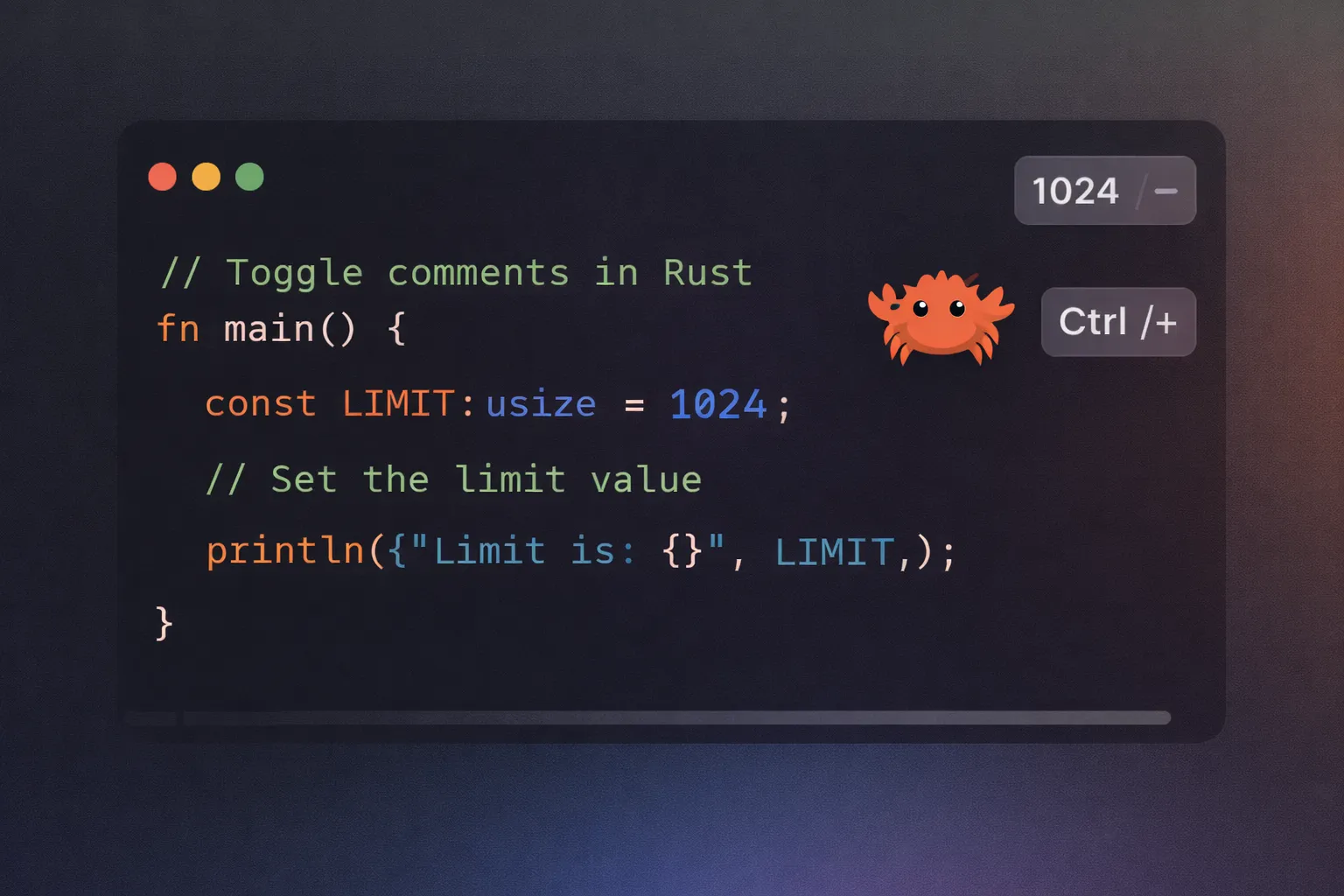
Contributing to Kibi: Adding a Comment Toggle Feature
So I've been using Kibi lately - this minimal text editor written in Rust - and there's one thing that kept bugging me. Every time I wanted to comment out a line, my fingers would automatically hit Ctrl+/. And nothing would happen.
After doing this about ten times in one session (yes, I counted), I thought: "Okay, this is annoying. Let me just add it myself."
That's how I ended up submitting PR #416 to add comment toggle functionality to Kibi. Here's how it went.
What is Kibi?
Before diving into the technical details, let me introduce you to Kibi. It's a text editor written in Rust with a fascinating constraint: the entire codebase must fit within 1024 lines of code. Yes, you read that right - 1024 lines, not one more.
This constraint forces you to think differently about code. Every feature, every abstraction, every helper function has to justify its existence in terms of lines of code. It's minimalism as a philosophy, and it creates interesting challenges when adding new features.
The Problem: Missing Comment Toggle
While using Kibi for my Rust projects (including my work on rustycord and sudoko), I noticed a glaring omission: there was no way to quickly comment or uncomment lines of code. In modern editors, this is such a fundamental feature that you don't even think about it until it's missing.
I checked the issue tracker and found that others had requested this feature too. Perfect! Time to contribute.
The Real Challenge: The 1024-Line Limit
Here's where things got interesting. See, Kibi has this rule: the entire codebase can't exceed 1024 lines. It's a design constraint to keep the editor minimal and focused.
When I submitted my initial PR, the maintainer responded:
"Hi @iamdhakrey, thank you for the PR! This is a great feature. Unfortunately, this brings the total line of code count to 1035, which is more than we want for this project (we limit total line count to 1024). Do you think there is a way to bring down the count?"
Oh. Right. So I'd added the feature, but I'd also blown past the line limit by 11 lines. Not ideal.
This meant I couldn't just add the feature - I had to add it AND optimize other parts of the code to stay under budget. Time to get creative.
The Implementation Journey
Understanding the Codebase
First, I needed to understand how Kibi handles keyboard input and commands. The editor uses a pattern matching system for keyboard shortcuts, mapping specific key combinations to editor commands.
The key files I needed to modify were:
- src/editor.rs - The main editor logic and command handling
src/row.rs - Row manipulation functionssrc/syntax.rs - Syntax highlighting definitions that include comment delimiterssrc/error.rs - Error handling for the new functionalityThe Core Algorithm
The comment toggle feature needed to handle several scenarios:
1. Commenting a line: Add the language-specific comment delimiter at the start (but after any leading whitespace)
2. Uncommenting a line: Remove the comment delimiter if present
3. Handling indentation: Preserve whitespace when toggling comments
4. Cursor management: Keep the cursor in the right position after toggling
The tricky part was doing all this efficiently within the line count budget. I had to think carefully about:
Initially, I wrote straightforward code that worked but was verbose. Then came the optimization phase to fit within the 1024-line limit.
How I Squeezed Out Those Extra Lines
I spent a few days looking for ways to compress the code. Here's what actually worked:
1. Shorter Names
I found places where I could alias long type names. For example:
use std::iter::successors as scsr;Not pretty, but it saved characters on every usage.
2. Renaming Error Variants
I renamed UnrecognizedOption to BadOption. Same meaning, fewer characters:
// Before
Error::UnrecognizedOption(opt)

// After
Error::BadOption(opt)
3. Consolidating Logic
I looked for places where I could combine similar code paths or eliminate redundant checks. Sometimes you can express the same thing in fewer lines if you think about it differently.
After all these tweaks, I got the line count back under 1024. It took some effort, but honestly, it made me think more carefully about every line I was writing.
Handling Edge Cases
The implementation needed to handle several edge cases:
Empty Lines: Don't try to comment empty lines Cursor at End: When the cursor is at the end of a line, don't panic Indented Code: Preserve the indentation level when commenting No Comment Syntax: Some file types don't have single-line comments (like JSON)
Testing the Feature
Testing was crucial, especially with the line count constraint. I manually tested several scenarios:
- Commenting and uncommenting regular lines
The maintainer also ran the existing test suite to ensure my changes didn't break anything. The codecov bot reported that my patch coverage was 94.54%, with overall project coverage actually increasing by 2.65% to 53.05%. Not bad!
Code Review: Learning the Hard Way
After I submitted the updated PR, the maintainer went through the code and pointed out a few issues. This is where I actually learned the most.
Safety First
My initial code just accessed the row directly:
let row = &mut self.rows[self.cursor.y];The reviewer asked: "What if cursor.y is out of bounds?"
Oh. Yeah. That would panic. Fixed:
if self.cursor.y >= self.rows.len() {
    return;
}
let row = &mut self.rows[self.cursor.y];
Whitespace Handling
The reviewer also suggested using is_whitespace() instead of my initial approach, since it properly handles all Unicode whitespace characters, not just spaces.
These weren't huge issues, but they're the kind of edge cases that only come up in code review. This is why code review is valuable - fresh eyes catch things you miss.
What I Actually Learned
Working with Constraints is Weird (But Good)
Honestly, the 1024-line limit felt frustrating at first. You write good, readable code and then have to go back and compress it. But it forced me to think about whether each line was really necessary. Would I have looked for those optimizations otherwise? Probably not.
Code Review Catches Real Issues
I thought my code was pretty solid. But the reviewer found actual bugs - places where the code could panic, unsigned integer issues I hadn't thought about. Having someone else look at your code is humbling but super valuable.
Small Wins Count
This wasn't a groundbreaking feature. It's just Ctrl+/ to toggle comments - something every modern editor has. But you know what? It made Kibi a little bit better for everyone who uses it. That feels good.
Tests (Sort Of) Matter
I tested the feature manually pretty thoroughly, and the existing test suite helped catch regressions. The codecov report showed 94.54% patch coverage, which was encouraging. Testing isn't just about checking if it works - it's about making sure it _keeps_ working.
The Final Result
After several iterations and optimizations, my PR was merged! The final implementation:
Ctrl+/ comment toggle functionalityIf You Want to Contribute Too
Look, I'm not an expert on open source contributions. This was basically my first real one. But here's what worked for me:
1. Use the thing you're contributing to - I was actually using Kibi, so I knew what was missing
2. Start with something annoying - The missing Ctrl+/ was genuinely bugging me
3. Read the contribution guidelines - Kibi has that 1024-line rule, and I would've saved time knowing about it upfront
4. Don't be afraid of feedback - The maintainer's comments made my code better
5. Be patient - This took months from start to finish because life happens
That's basically it. Find something small, try to fix it, and see what happens.
Real-World Impact
Now when I use Kibi for editing Rust and Python code, I can quickly comment out debugging statements or temporarily disable code blocks with the familiar Ctrl+/ shortcut. It's a small quality-of-life improvement, but it makes the editor feel more complete and professional.
This feature is particularly useful when I'm:
The feature feels instant - as it should. Text editors need to respond to every keypress without lag, and the simple string operations I used ensure that.
Integration with Kibi
The comment toggle works with Kibi's existing features:
- Uses the right comment syntax for each language (// for Rust, # for Python, etc.)
Pretty much what you'd expect from a comment toggle feature.
The Merge
After a few rounds of review and fixes, the PR got merged in early February 2026. The maintainer even added me to the contributors list using the all-contributors bot, which was a nice touch.
Code coverage actually went up with my changes (from 50.40% to 53.05%), which I didn't expect but was cool to see.
Final Thoughts
This was my first merged PR to a Rust project I didn't start myself. The whole process took a few months from initial submission to merge - partly because I was busy with other stuff, partly because getting the line count right took iteration.
Was it worth it? Yeah, I think so. Now when I use Kibi, that muscle memory for Ctrl+/ actually works. Plus I learned things about Rust edge cases and code optimization that I wouldn't have learned otherwise.
If you're thinking about contributing to open source: just pick something small that bugs you and fix it. Don't wait for the perfect contribution or the perfect time. Find an issue, try to solve it, and submit a PR. Worst case, you learn something. Best case, your code helps other people too.
And hey, if you want to try Kibi with the comment toggle feature, check it out at github.com/ilai-deutel/kibi.
More of my Rust projects are on my GitHub and my website at iamdhakrey.dev.
Related Articles
Rust Macros Demystified: When and How to Use Them
A beginner-friendly guide to Rust macros - from simple declarative macros to powerful procedural macros. Learn when to use them and build practical examples that solve real problems.
My Rust Development Setup on Garuda Linux with VS Code: A Developer's Journey
How I configured the perfect Rust development environment on Garuda Linux using VS Code. From rust-analyzer to debugging, here's my complete setup for building blazingly fast applications.